Launching the Website Locally
Before you begin: Ensure that:
- You have MkDocs installed on your computer. See Installing MkDocs.
- You have Python installed on your computer.
- Your project contains all necessary files. See Verifying Project Files.
Procedure:
- In the root location of your project, in the terminal, run:
mkdocs serve. - In your default web browser, open http://127.0.0.1:8000.
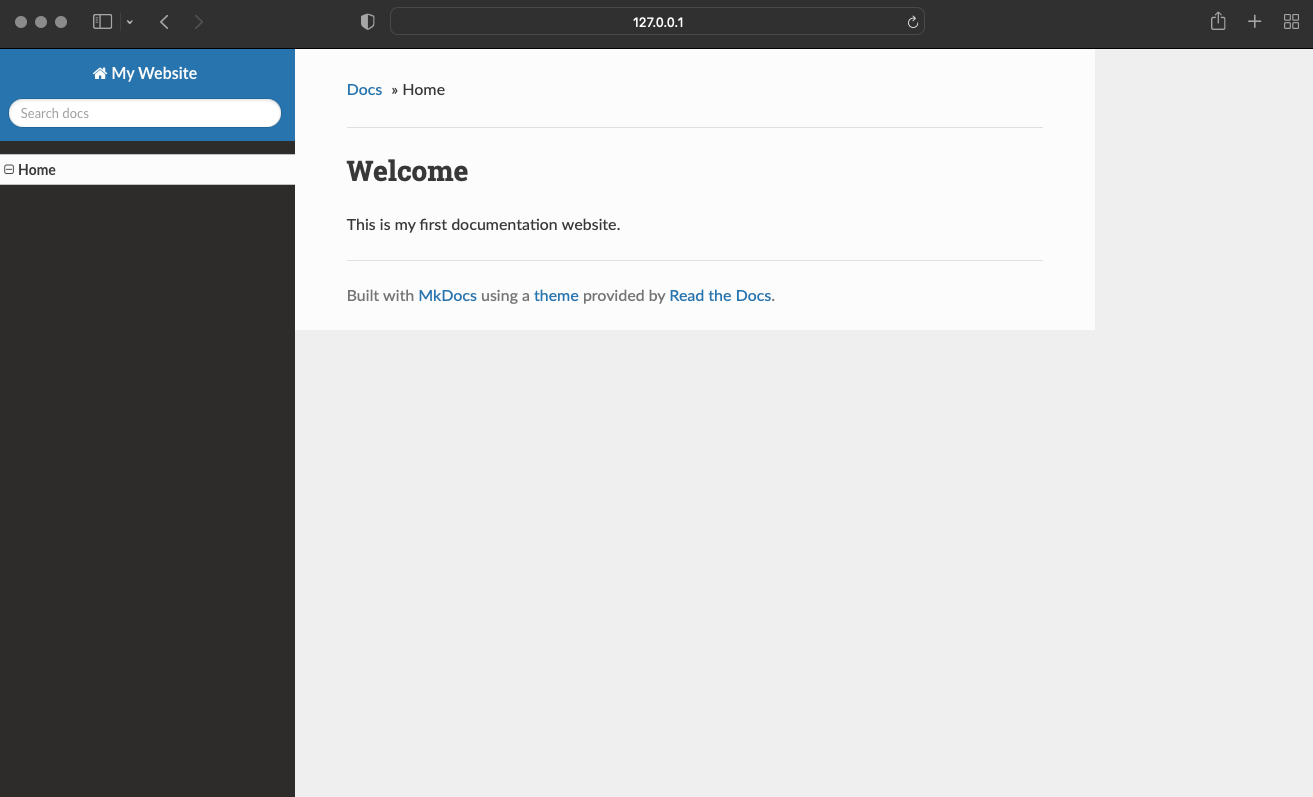
If you use the configuration provided in the Setting Up the Website section, the following website appears: