Publishing the Website
Before you begin: Ensure that you imported your project to Read the Docs. See Imporing Project Files.
Procedure:
- In your default web browser, open the Read the Docs dashboard.
- In the Projects box, click the project you want to publish.
-
On the Project site, click Build version.
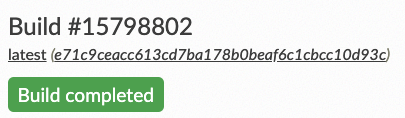
Result: Building and publishing process begins. When it is complete, a message appears informing that the build is complete.
-
Click View Docs to open the published website.
You can view the website and be proud of yourself — you have successfully created a website and published it worldwide. 